
AkiMuzika
Menu


AKI Drum Machine was designed for musicians, songwriters, producers, and performers who want quick, hands-on drum backing without opening a full DAW workflow. Import MIDI drum styles, trigger song sections live, assign your own drum sounds, and play everything from the screen or a MIDI controller. It gives you playable drum sections, fast tempo control, easy sound swapping, and a portable library of styles and sounds in one app.
Column

Column

Performance & Playback

• Playable Beat Sections - Intros, Variations, Fills, Breaks, and Endings

• Musically Timed Section Changes

• Start/Stop Control

• Auto Fill - Automatically plays a matching fill when you switch variations

• Fill Loop and Break Loop

• Visual Metronome

• Multi-Meter Support - Styles can have different meters/time signatures for each style part.

• Background Audio - Playback continues when the app is backgrounded

Tempo Control

• Tempo Control - Increases or decreases tempo in real time

• Tempo Reset - Double tap to return to original tempo

• Direct Tempo Entry - Press and hold to enter a tempo value directly

• Multi-Tempo Support - Styles can have different tempos for different style parts

• Per-Part Tempo Editing - View, adjust, and save tempo by style section for supported styles

Column

Styles, Import & Library

• Built-In System Styles - Includes factory styles: 8 Beat ADM, 16 Beat ADM, Ballad ADM, Country ADM, Pop Latin ADM, Rock ADM, Samba ADM, Swing Jazz ADM

• Style Info - View import format, section details, and expanded tempo/meter information

• Built-In Style Library - Rename and Delete Styles

• MIDI Style Import

• Yamaha and Korg MIDI Style Import - Directly imports drum and percussion sections from Yamaha and Korg styles exported as MIDI files

• Files App Integration

• Open MIDI Files Directly in the App

Sounds & Mixing

• SF2 Sound Import

• Built-In Sound Library Assignable Drum and Percussion Sounds

• Per-Style Sound Assignment

• Assign Sounds to Any Saved Style

• Reset to Default Drum Sound

• Master Volume Control

• Drum and Percussion Channel Volume Control

• Dual Drum/Percussion Playback


Column

MIDI & Connectivity

• MIDI Input and Output Compatibility

• MIDI Learn

• Adjustable MIDI Input and Output Routing

• Automatic MIDI Hardware Detection

• Virtual MIDI Support

• Bluetooth MIDI Support

• Multiple Simultaneous MIDI Controllers - All connected hardware sources active at the same time

• MIDI Panic - Instantly stops all MIDI notes on all channels

Interface & Compatibility

• Light and Dark Modes

• iPad and iPhone Compatible

• iOS 16+ Compatible

• User Guide - In-app searchable user guide


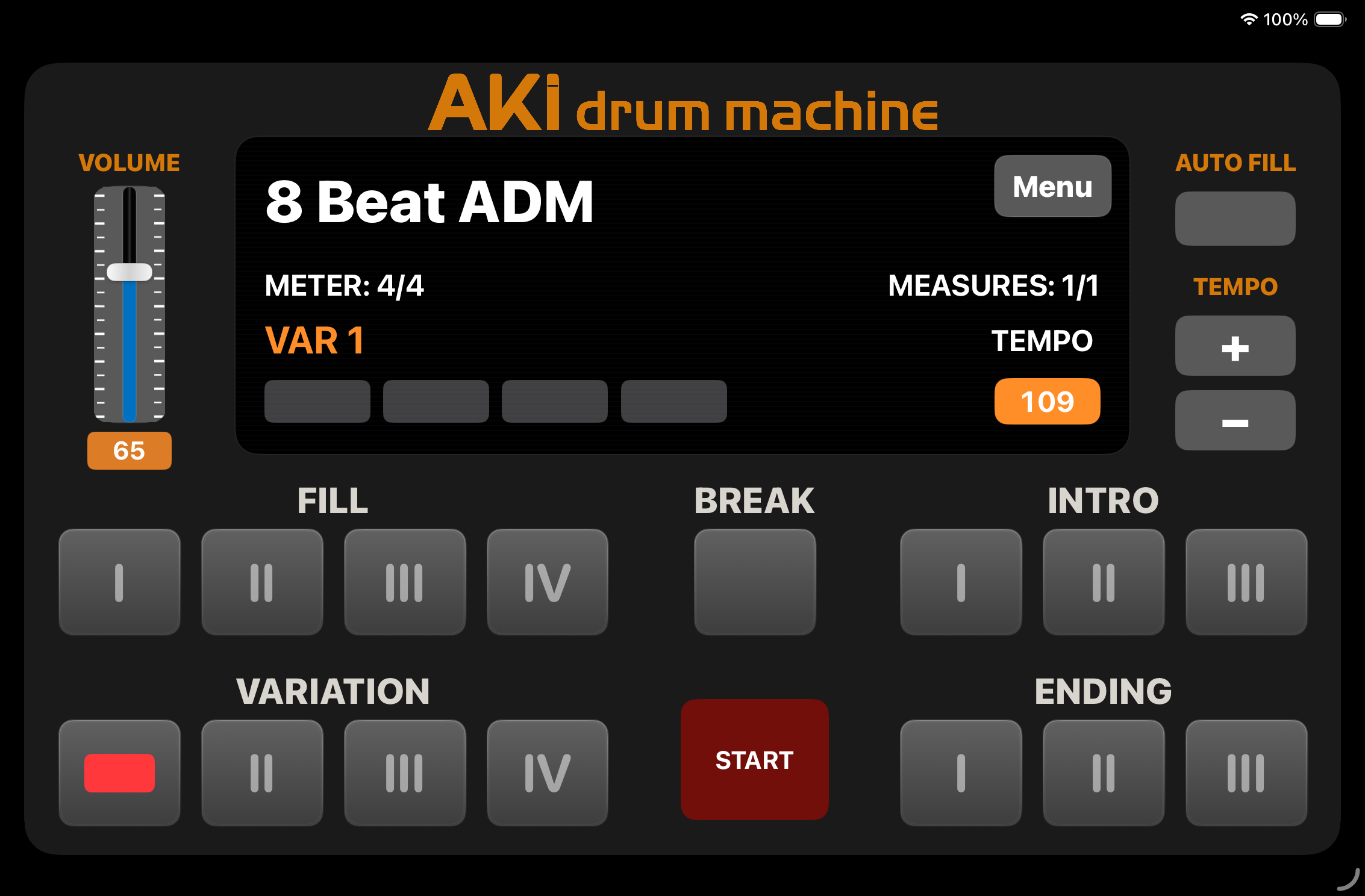
features at a glance


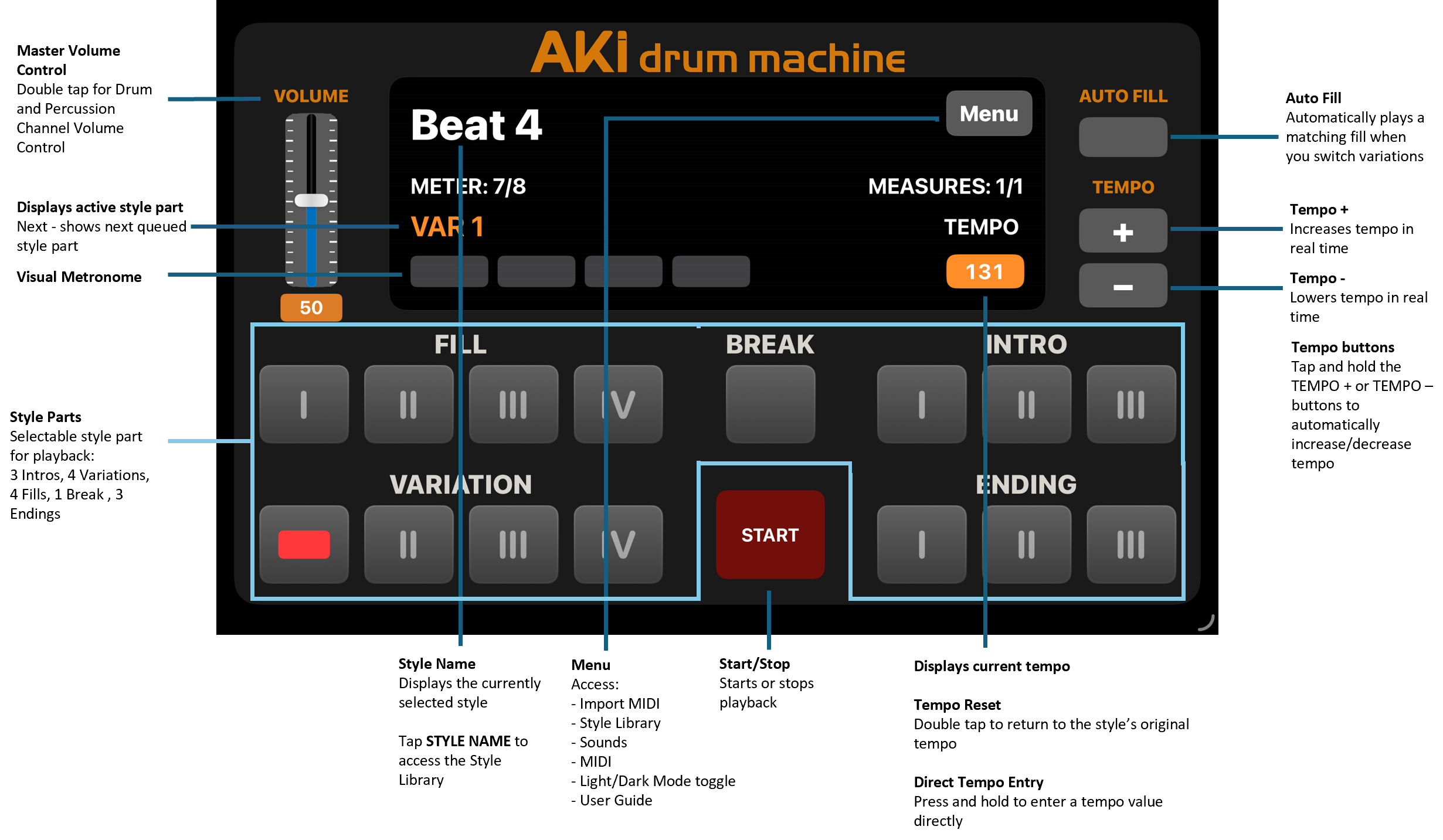
• Master Volume Control: Double tap for

  Drum and Percussion Channel Volume

  Control

• Style Part: Displays active style part: Next -

  shows next queued style part

• Visual Metronome

• Style Parts: Selectable style part for

  playback: 3 Intros, 4 Variations, 4 Fills, 1

  Break, 3 Endings

• Style Name: Displays the currently selected

  style

      - Tap STYLE NAME to access the Style               Library

• Menu: Access - Import MIDI, Style Library,

  Sounds, MIDI, Light/Dark Mode toggle, User

  Guide

• Start/Stop: Starts or stops playback

• Tempo Display: Displays current tempo.

  Tempo Reset and Direct Tempo Entry

• Tempo buttons: Increase/decrease tempo in                                                                                                                                                          real time. Tap and hold functionality

                                                                                                                                                      • Auto Fill: Automatically plays a matching fill

                                                                                                                                                        when you switch variations
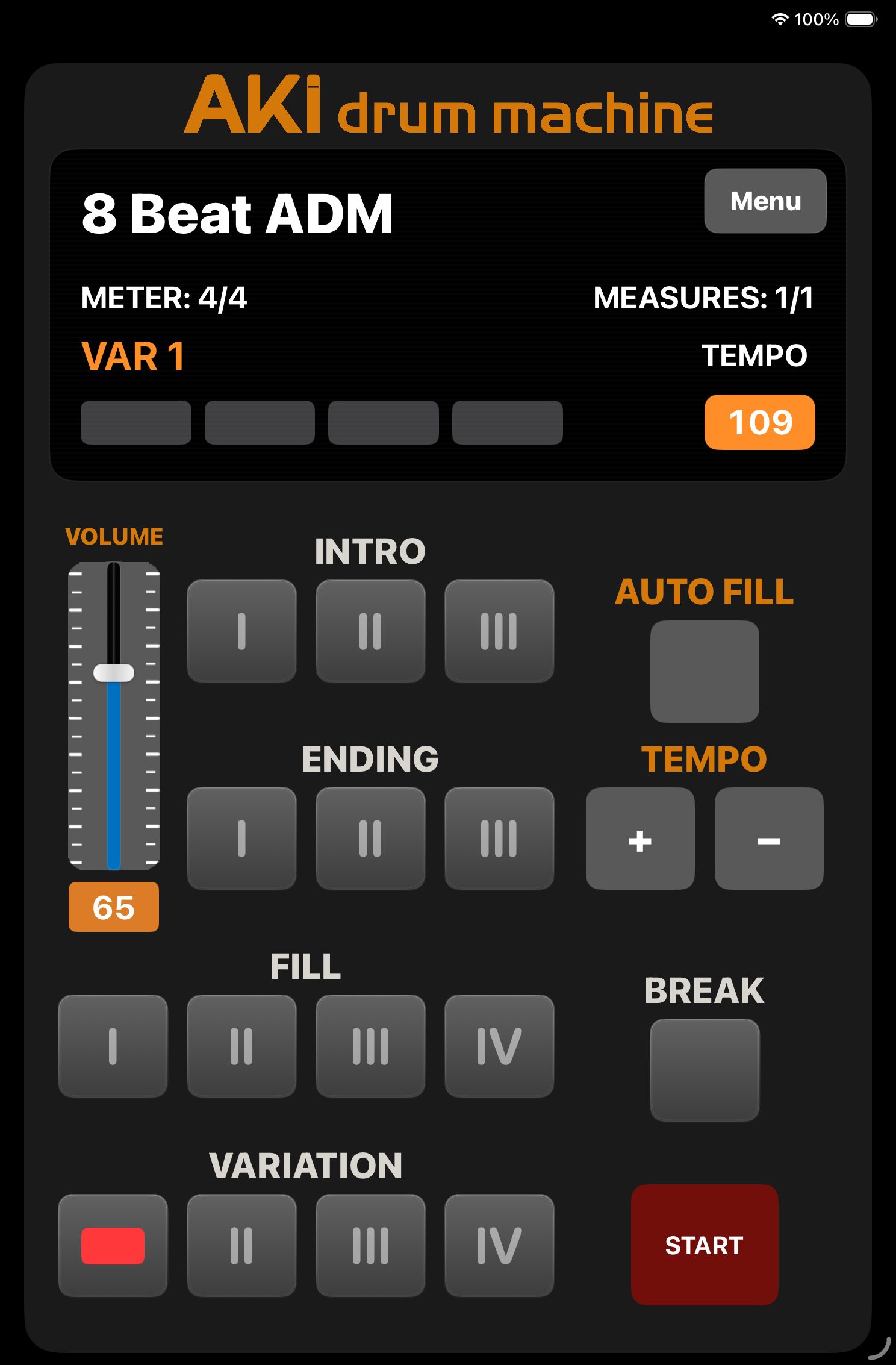
iPad and iPhone Compatible

Column

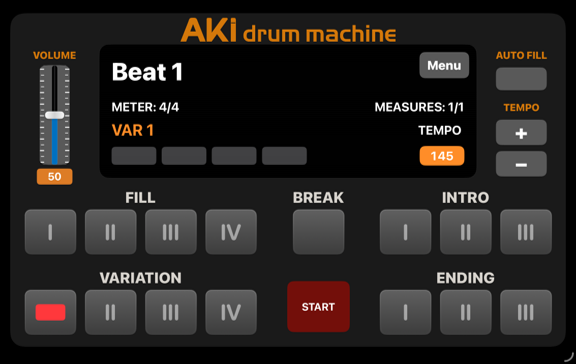
IPAD IN PORTRAIT MODE

Column

IPAD IN LANDSCAPE MODE


Column

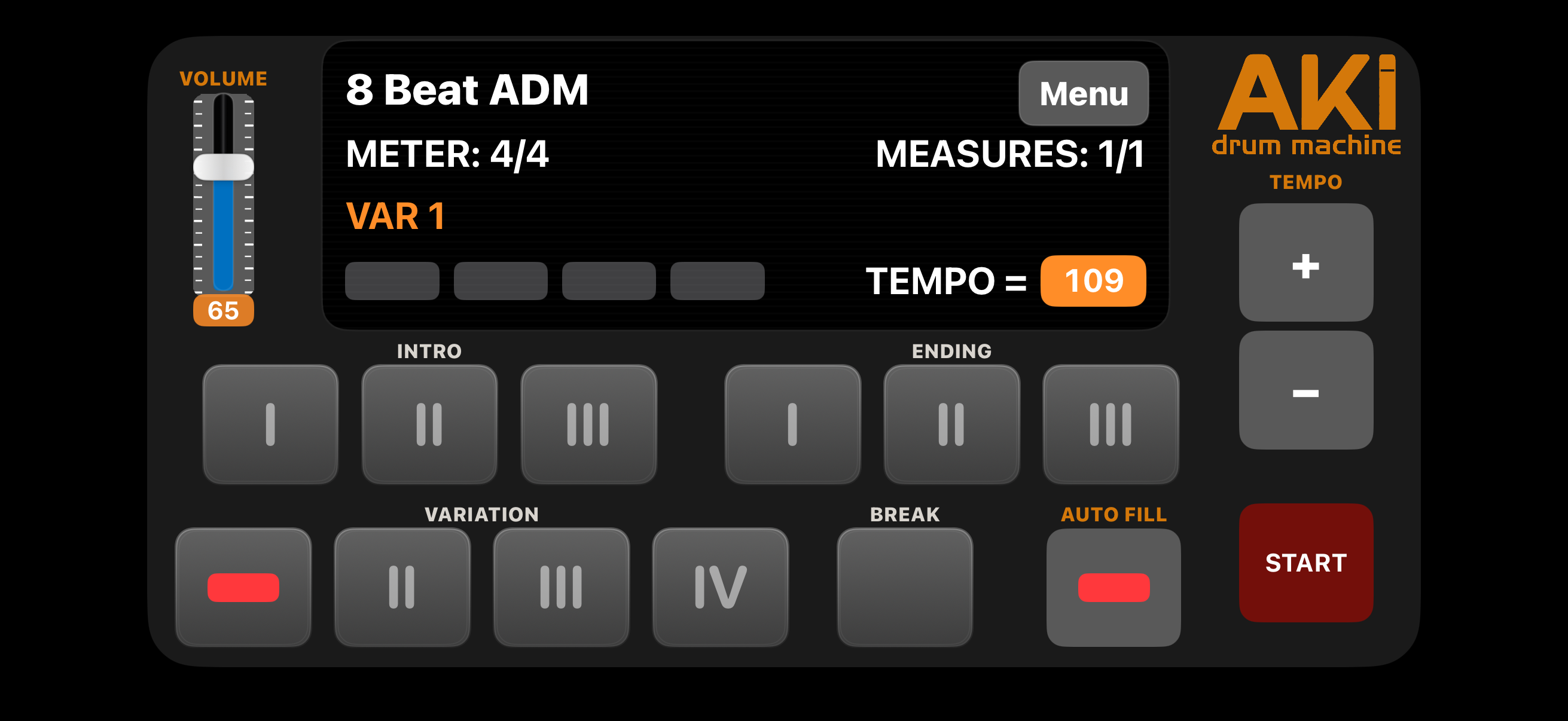
IPHONE IN LANDSCAPE MODE

Column

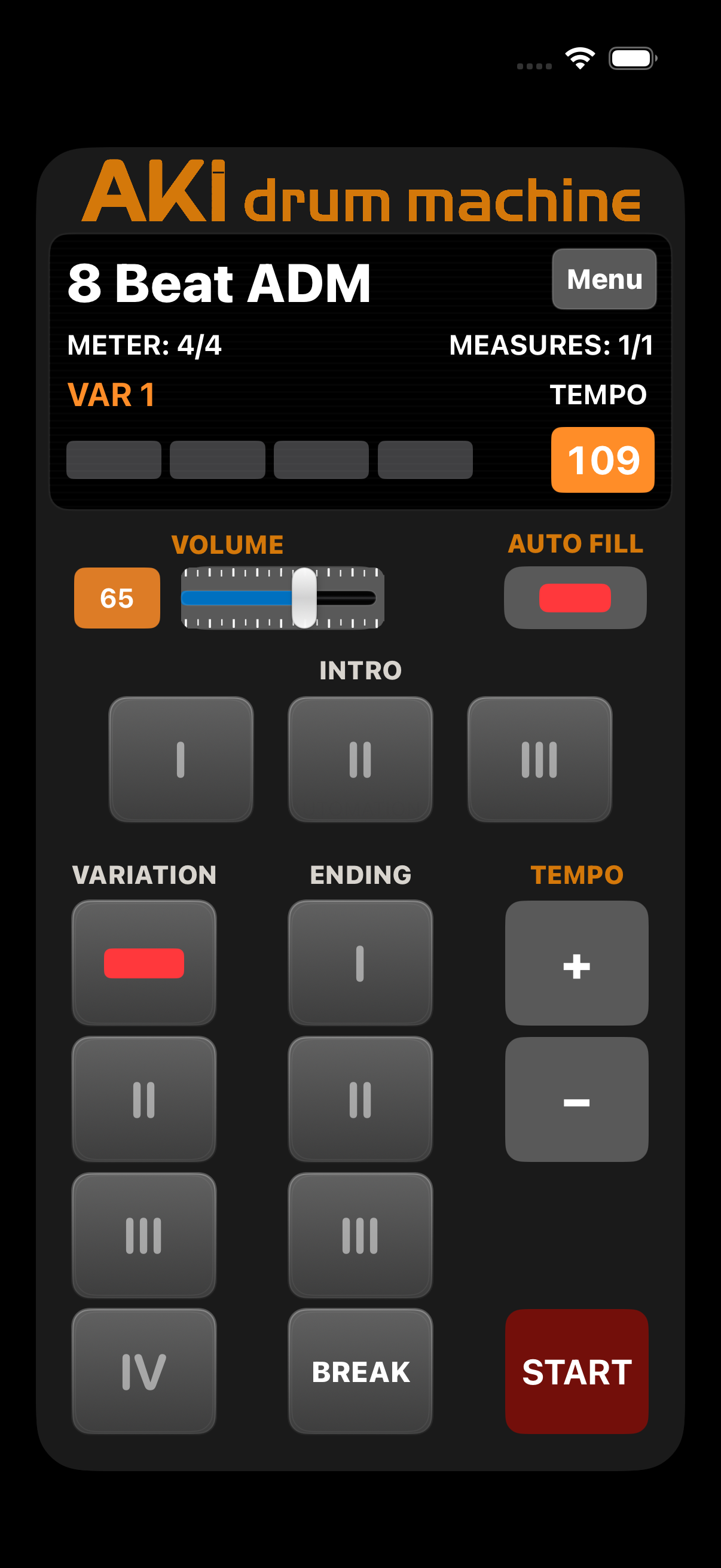
IPHONE IN PORTRAIT MODE


contact us


Column

APP SUPPORT

support@akimuzika.com

Column

MESSAGE

574773
Invalid Form properties detected


close lightbox